Which Gaming Laptop Should You Buy?
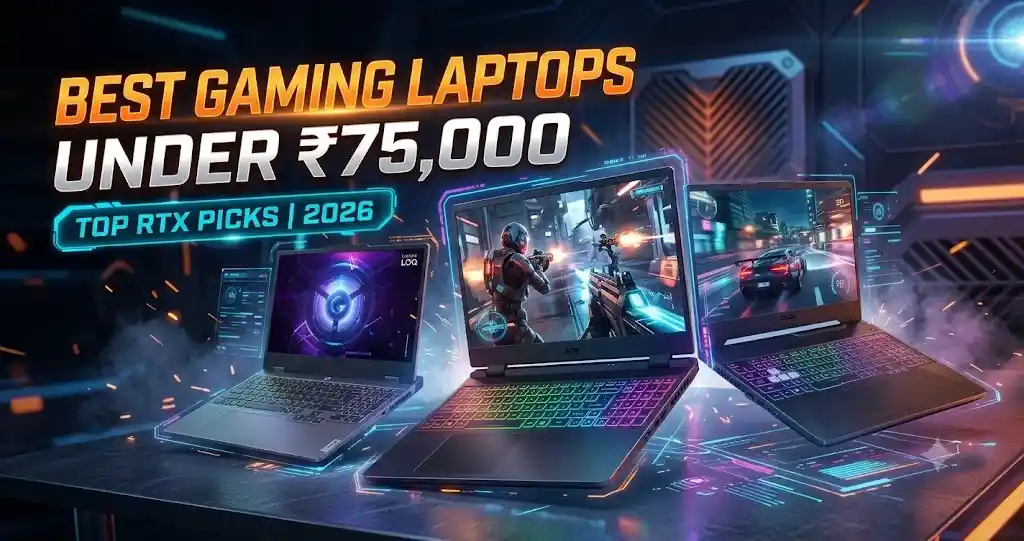
If you want the best gaming laptop under ₹75,000 in India, start by comparing the Lenovo LOQ 15, Acer Nitro V and ASUS TUF Gaming A15. These models offer different combinations of graphics performance, display quality, cooling, portability, and battery life.
The Lenovo LOQ 15 is worth considering if you want a powerful graphics configuration and a colour-accurate screen. The Acer Nitro V is an attractive option if your priority is getting an NVIDIA GeForce RTX 3050 without exceeding your budget. Meanwhile, selected ASUS TUF Gaming A15 variants offer a durable design and a larger battery.
Your final decision should rely on checking the precise variant code, graphics card power limits (TGP), screen properties, and active promotional discounts.
Best Gaming Laptops Under ₹75,000 at a Glance
- Best overall package: Lenovo LOQ 15
- Best value with RTX 3050: Acer Nitro V
- Best for durability and cooling: ASUS TUF Gaming A15
- Best understated design for college: HP Victus 15 or 16
- Best for desk-based gaming: MSI Thin 15
Introduction: Why ₹75,000 Is a Competitive Gaming Laptop Budget
A budget of ₹75,000 gives Indian buyers access to gaming laptops that can handle competitive multiplayer titles, many modern AAA games, programming, engineering applications, and entry-level creative workloads.
At this price, the graphics card is one of the most important components. Laptops with the NVIDIA GeForce RTX 3050 6GB and RTX 4050 6GB can offer a better experience in demanding games than older entry-level configurations with only 4GB of video memory.
However, two laptops with the same GPU name may deliver different results. Graphics power limits, cooling systems, processor performance, RAM configuration, and display quality all affect the overall experience.
It is also important to understand the compromises. Gaming laptops often have shorter battery life and greater weight than ordinary student laptops. Their fans can become noisy during demanding tasks, and some budget configurations use displays with limited colour coverage.
This guide compares five popular laptop families and explains what to check before spending your money.
Top Gaming Laptops Under ₹75,000 Compared
The following prices and specifications are based on the supplied research and should be treated as indicative. Different configurations within the same laptop series can have different hardware.
| Laptop | Processor Options | Graphics | Display Considerations | Best Suited For |
|---|---|---|---|---|
| Lenovo LOQ 15 | AMD Ryzen 7 HS series | RTX 4060 6GB / RTX 3050 6GB | Selected models offer 100% sRGB | Gaming and creative work |
| Acer Nitro V | Intel Core i5 H series / selected Ryzen models | RTX 3050 6GB | Many variants use a basic colour gamut | Affordable RTX 3050 gaming |
| ASUS TUF Gaming A15 | AMD Ryzen 7 HS series | RTX 3050 6GB / RTX 4050 6GB | Panel quality varies by SKU | Durability and portability |
| HP Victus 15 / 16 | Intel Core i5 / AMD Ryzen 5 | RTX 3050 6GB / RTX 4050 6GB | Display varies by configuration | College and office use |
| MSI Thin 15 | Intel Core i5 H series | RTX 2050 6GB in selected models | Basic FHD panels on some variants | Sustained desk-based workloads |
Note: Processor, GPU, display quality, and power limits vary by exact laptop configuration. Check the manufacturer’s specifications before buying.
SKU means the specific product configuration. Check the exact processor, GPU, TGP, RAM, display, battery, and price before ordering.
Detailed Reviews of the Best Gaming Laptops
1. Lenovo LOQ 15 — The Ultimate Overall Gaming Laptop
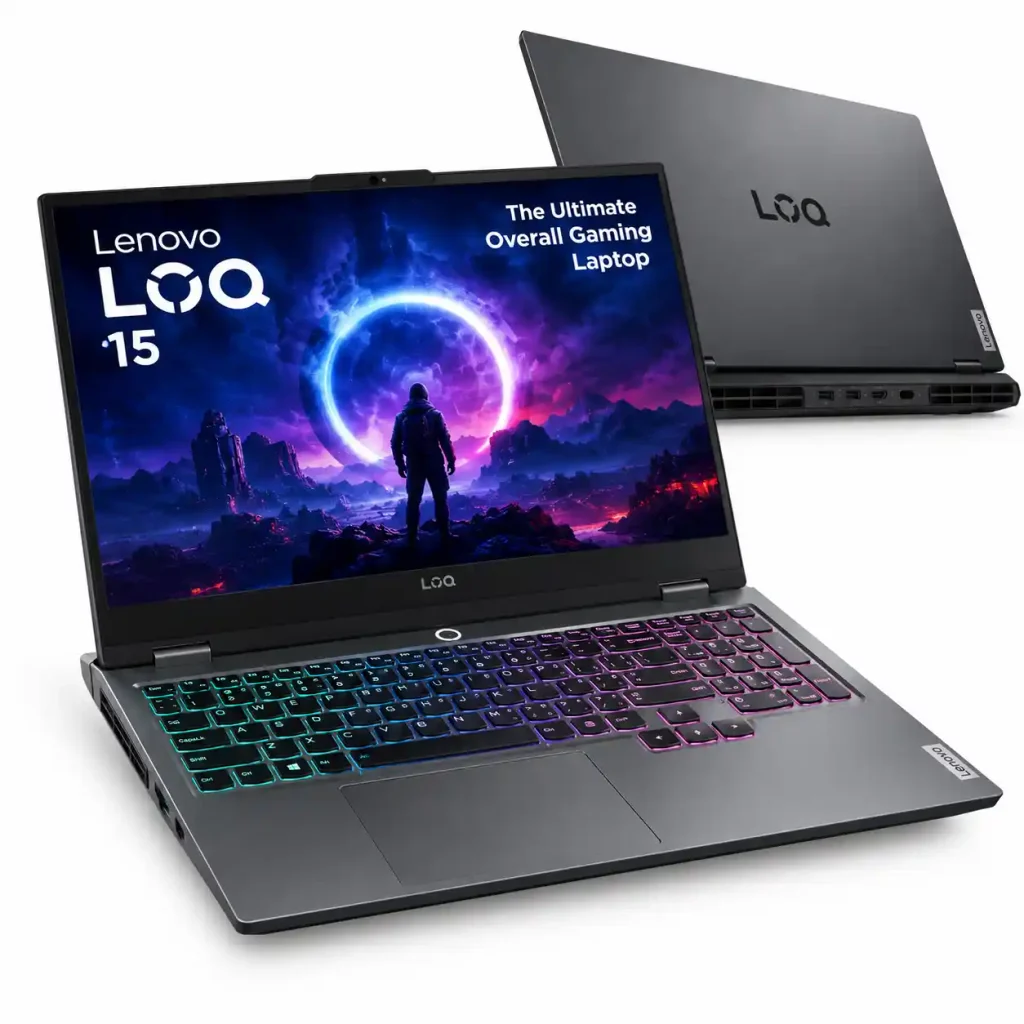
The Lenovo LOQ 15 is a strong contender for buyers who want a balance of gaming performance, display quality, and upgrade options.
Lenovo LOQ 15
Explore the Lenovo LOQ 15, a gaming laptop designed for gaming, everyday computing, and demanding workloads.
Check DetailsDepending on the configuration, it can include an AMD Ryzen 7 Octa Core 7435HS or Intel Core i5-12450HX processor, paired with an RTX 4060 6GB or RTX 3050 6GB graphics card.
One of its potential advantages is the display. Selected configurations offer a 15.6-inch Full HD screen with a 144Hz refresh rate and 100% sRGB colour coverage. This is useful not only for gaming but also for photo editing, graphic design, and video production.
The high refresh rate makes supported games appear smoother, while wider colour coverage allows the screen to reproduce a broader range of colours. Buyers should verify these features for the exact configuration because not every LOQ variant necessarily has the same panel.
Selected models also provide a MUX switch or NVIDIA Advanced Optimus support. These technologies can help route graphics output more efficiently and improve gaming performance in supported configurations.
Advantages
- Potentially powerful RTX graphics options
- Selected models feature a colour-accurate 100% sRGB display
- Useful performance for coding and creative applications
- RAM and SSD upgrade possibilities
Limitations
- Gaming performance requires the supplied power adapter
- Battery life is generally limited during demanding work
- The laptop and charger add considerable weight to a college bag
Verdict: Choose the Lenovo LOQ if gaming performance and display quality are equally important to you.
2. Acer Nitro V — Best RTX 3050 Option on a Budget
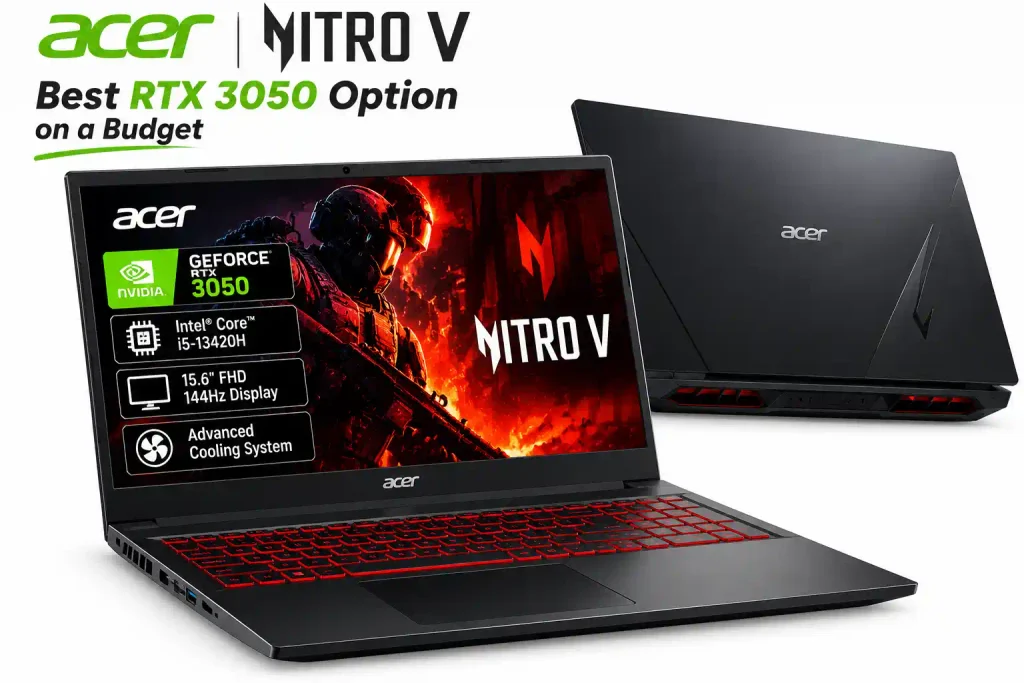
The Acer Nitro V 15 is worth checking if you want an RTX 3050 laptop without paying for a more expensive configuration.
Acer Nitro V
Explore the Acer Nitro V gaming laptop for PC gaming, everyday computing, and productivity.
Check DetailsCertain builds combine an AMD Ryzen 5 Hexa Core 7535HS, 16GB RAM, and a 6GB RTX 3050 GPU. Other configurations may use different processors, so verify the complete specification before buying.
The RTX 3050 supports modern NVIDIA gaming technologies, including DLSS 3 Frame Generation in compatible games. These features can improve perceived smoothness by generating additional frames, although results depend on the game, settings, and base frame rate.
The Nitro V 15 is also relatively portable compared with some heavier gaming laptops. This can make it more convenient for students who regularly travel between home, college, and a hostel.
The main compromise is that several configurations use a display with limited colour coverage. That is usually acceptable for gaming and general use, but less suitable for colour-sensitive professional work.
Advantages
- RTX 3050 graphics in selected configurations
- Full support for DLSS and AI-powered Frame Generation in compatible titles, ensuring fluid frame rates and high visual fidelity.
- Relatively portable design
- Upgrade potential for memory and storage, depending on the variant
Limitations
- GPU power limits can affect performance
- Display colour reproduction varies by model
- Cooling fans can become loud during demanding gaming
Verdict: Consider the Nitro V 15 if an RTX 3050 is your main priority and you are comfortable with a more basic display.
3. ASUS TUF Gaming A15 — Best for Durability and Cooling
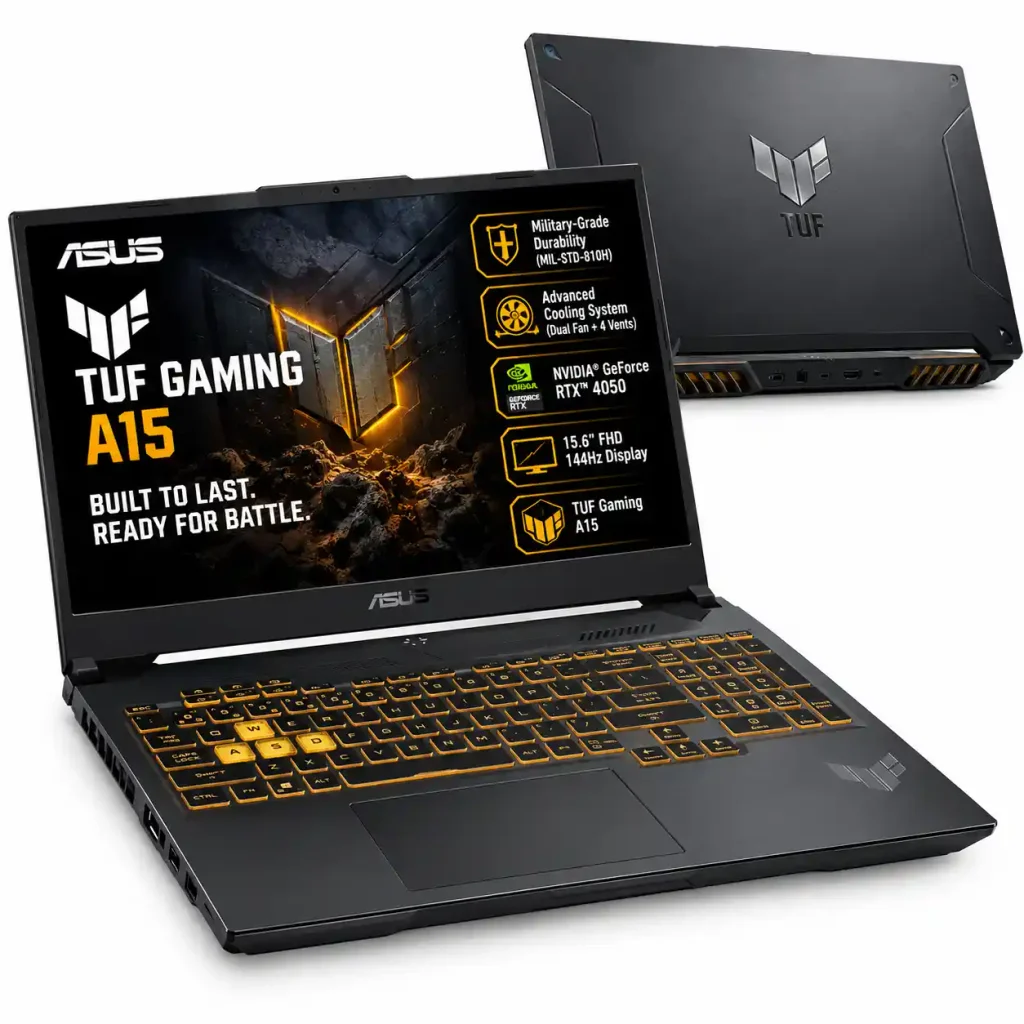
The ASUS TUF Gaming A15 is a popular option for students and gamers who want a sturdy laptop for regular use.
ASUS TUF Gaming A15
Explore the ASUS TUF Gaming A15, a gaming laptop option for gaming, everyday computing, and multitasking.
Check DetailsSelected configurations combine AMD Ryzen 7 processors with RTX 3050 or RTX 4050 graphics. The TUF range also includes different battery sizes and screen specifications, making the exact model number especially important.
One useful distinction is the processor. The Ryzen 7 7735HS includes integrated Radeon graphics, which can reduce power consumption during light tasks. The Ryzen 7 7435HS does not have an integrated GPU, so its battery behaviour can be considerably less favourable.
This difference matters if you attend classes, work in libraries, or travel without keeping the charger connected. A larger battery can help, but the processor and power-management configuration also affect real-world endurance.
The TUF series is designed around a durable chassis and dedicated cooling hardware. However, durability claims do not mean the laptop is immune to drops or physical damage.
Advantages
- Sturdy construction
- Cooling system designed for demanding workloads
- Selected models offer a large 90Wh battery
- Suitable for gaming, coding, and engineering software
Limitations
- Some variants have basic colour reproduction
- Battery life differs substantially between processor configurations
- Gaming performance still depends on GPU wattage and cooling
Verdict: The TUF Gaming A15 is a good candidate if you need a durable machine, particularly when you find a variant with the larger battery and a suitable display.
4. HP Victus 15 / 16 — Best for College and Office
The HP Victus series suits buyers who want gaming performance without an especially aggressive gaming appearance.
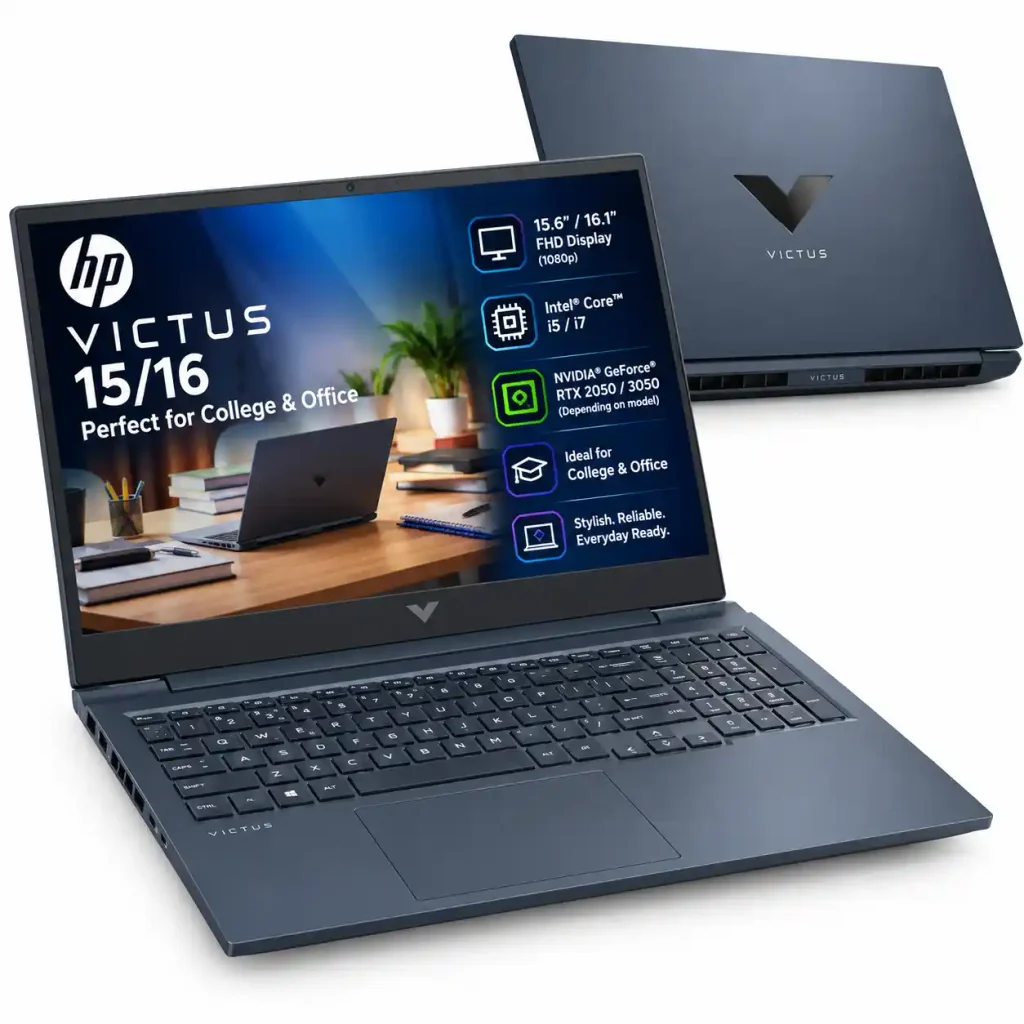
HP Victus 15
Explore the HP Victus 15, a gaming laptop designed for PC gaming, everyday productivity, and entertainment.
Check DetailsDepending on the model, the Victus 15 and Victus 16 may offer Intel Core i5 or AMD Ryzen processors alongside RTX 3050 or RTX 4050 graphics.
Its relatively understated design makes it suitable for classrooms, internships, offices, and home use. It can also handle everyday programming, office applications, online classes, and creative workloads alongside gaming.
Some configurations include a larger battery and bundled productivity software. However, bundled Microsoft Office licences, storage expansion options, display quality, and battery capacity vary between retail listings.
Check the number of available SSD slots before planning an upgrade. If the laptop has only one slot, increasing storage capacity may require replacing the existing drive rather than adding another one.
Advantages
- Professional-looking design
- Suitable for study and everyday productivity
- Gaming-capable graphics in selected variants
- Widely available through Indian retail channels
Limitations
- Some models use displays with limited colour coverage
- Hinge movement and fan noise can vary
- Storage expansion depends on the exact configuration
Verdict: Choose the HP Victus if you need one laptop for college, work, and gaming without an overly flashy design.
5. MSI Thin 15 — Best for Everyday Gaming on a Budget
The MSI Thin 15 is worth considering if you want a gaming laptop for everyday use, casual gaming, and occasional creative workloads without choosing a bulky design.
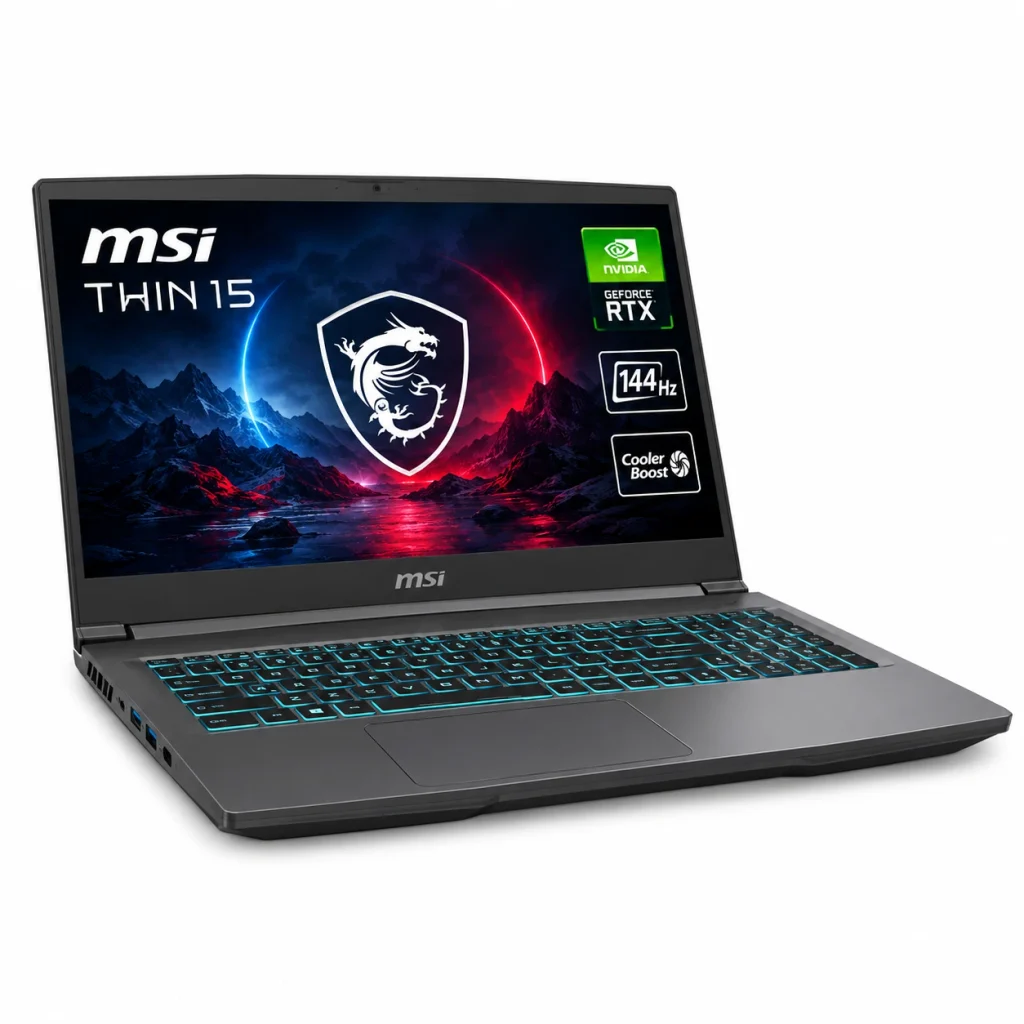
MSI Thin 15
Explore the MSI Thin 15, a laptop option for everyday gaming, productivity, and entertainment.
Check DetailsDepending on the configuration, the laptop comes with a 13th Gen Intel Core i5-13420H or Core i7-13620H processor, paired with NVIDIA GeForce RTX 2050, RTX 3050, or RTX 4050 laptop graphics. The exact processor and GPU depend on the model number you choose.
The display is a 15.6-inch Full HD (1920 × 1080) IPS-level panel with a 144Hz refresh rate on the configurations listed by MSI. This can provide smoother motion in compatible games, particularly competitive titles.
For gaming, the RTX 3050 and RTX 4050 configurations are worth considering for 1080p gameplay, while the RTX 2050 variant is better suited to lighter gaming and less demanding titles. Performance will vary by game, graphics settings, and the laptop’s power limits.
The relatively slim design makes the MSI Thin 15 easier to carry than some bulkier gaming laptops. However, its battery life, cooling performance, and gaming performance should be considered before buying, especially if you plan to play demanding games for extended periods.
Display quality is another consideration. Although the 144Hz refresh rate is useful for gaming, colour accuracy and brightness depend on the particular panel configuration. Check the full display specifications if you plan to edit photos, produce videos, or create colour-sensitive visual content.
Advantages
- 144Hz Full HD display on the listed configurations
- Multiple processor and graphics options
- Suitable for everyday computing, coding, and gaming
- Relatively slim design for a gaming laptop
- RAM upgrade options, with supported capacity depending on the model
Limitations
- Gaming performance varies significantly between GPU configurations
- The RTX 2050 and RTX 3050 versions are less capable than the RTX 4050 version
- Display brightness and colour reproduction may be basic
- Battery life during gaming is limited compared with plugged-in use
Verdict: The MSI Thin 15 is a reasonable option for buyers who want a relatively slim laptop for everyday computing and 1080p gaming.
Always verify the exact model number, graphics memory, RAM, storage and Price before purchasing.
RTX 4050 vs RTX 3050 6GB vs RTX 2050: Which GPU Is Better?
The graphics card has a major influence on gaming performance. Here is a simplified comparison of the three options.
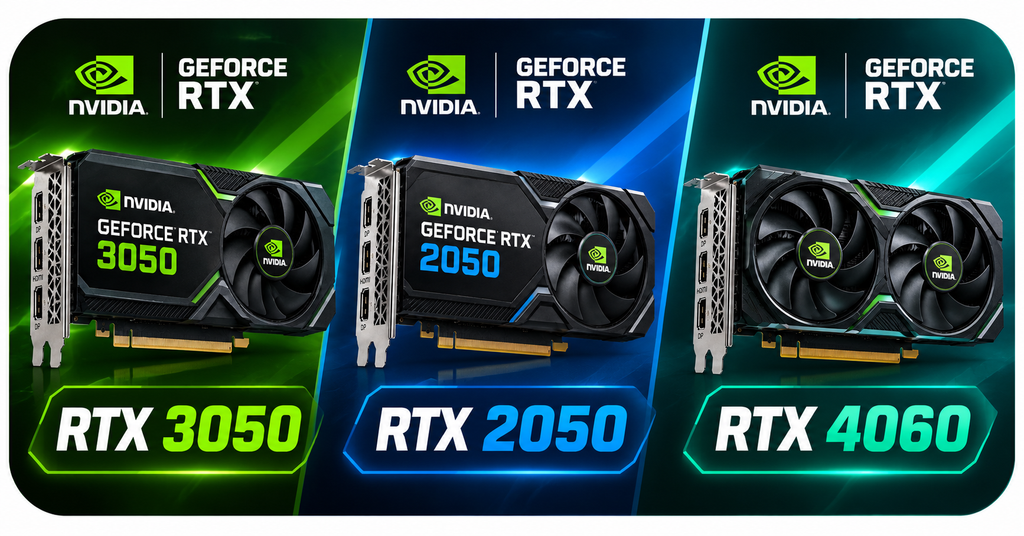
| Feature | RTX 2050 | RTX 3050 6GB | RTX 4060 6GB |
|---|---|---|---|
| Architecture | Ampere | Ampere | Ada Lovelace |
| Dedicated Video Memory | Usually 4GB | 6GB | 6GB |
| DLSS | Supported features depend on the game | Supported features depend on the game | Frame Generation in compatible games |
| Gaming Position | Entry-level | Budget 1080p | Stronger option |
| Main Compromise | Limited memory and performance | Below RTX 4060 in many workloads | Price and power limits vary |
Note: Laptop GPU performance varies by model, power limit (TGP), cooling system, and game. Check the specifications of the exact laptop.
Actual results depend on GPU wattage, cooling, game settings, and processor performance. A laptop GPU cannot be compared reliably by model name alone.
Should You Buy an RTX 2050 Laptop for ₹75,000?
Generally, look for a newer or more capable configuration before spending close to ₹75,000 on an RTX 2050 laptop. Its 4GB VRAM capacity can limit performance in some newer games, especially when using high-resolution textures.
However, an RTX 2050 laptop can still make sense at a substantially lower price for esports games, casual gaming, and everyday work.
RTX 3050 6GB vs RTX 4050 6GB
If both laptops have similar prices and the rest of the specifications are competitive, the RTX 4050 is generally the more attractive gaming option.
It offers a newer architecture and Frame Generation support in compatible games. These features can help with demanding titles, although generated frames do not replace the importance of a good underlying frame rate.
An RTX 3050 6GB laptop may still be a sensible purchase when it is significantly cheaper or includes a better screen, stronger cooling, or other features that matter more to you.
How to Choose a Gaming Laptop Under ₹75,000
1. Check GPU Wattage
Total Graphics Power, or TGP, describes the power budget available to the laptop GPU under specified conditions. Two laptops using the same graphics card can perform differently because their power limits and cooling systems differ.
Compare the manufacturer’s specifications and independent gaming benchmarks instead of relying only on the GPU name.
2. Prefer 16GB RAM
For a gaming laptop in this price range, 16GB RAM is a sensible starting point. Some games and demanding applications benefit from additional memory.
Check whether the laptop uses one 16GB module or two 8GB modules. A dual-channel configuration can improve performance in certain situations, especially when CPU or memory bandwidth is a limiting factor.
3. Choose the Display for Your Needs
A 144Hz screen can make supported games look smoother. However, refresh rate and colour accuracy are different specifications.
If you edit photos or videos, look for a screen with verified 100% sRGB coverage. If you mainly play games and browse the web, a basic panel may be acceptable if its brightness and viewing angles meet your needs.
4. Check Battery Capacity and Processor Type
Gaming laptops generally provide their best performance when plugged in. Battery life during light tasks depends on the battery size, processor, integrated graphics, display settings, and background applications.
For college use, check independent battery tests and look for a processor with integrated graphics if long unplugged sessions matter to you.
5. Compare Storage and Upgrade Options
A 512GB SSD can fill up quickly when installing multiple large games. Check whether the laptop has an additional M.2 SSD slot and whether its RAM can be upgraded.
Do not assume every laptop in the same product family has identical internal hardware.
6. Compare Final Prices and Warranty Terms
Online listings may show different prices for different configurations. Check the exact model number, seller, included software, warranty duration, return policy, and any applicable bank or student discounts.
Treat promotional savings as a bonus rather than assuming you will qualify for them.
Benefits and Limitations of Gaming Laptops
Main benefits
- Capable 1080p gaming with suitable settings
- Useful GPU acceleration for supported creative and engineering applications
- Built-in screen, keyboard, webcam, and battery
- Upgrade options on many models
- Convenient for students who need one computer for multiple tasks
Important limitations
- Battery life falls significantly during gaming
- Fans can become noisy under heavy workloads
- The laptop and power adapter can be heavy
- Budget screens may have limited colour accuracy
- Newer AAA games may require lower settings or upscaling for smooth performance
Common Gaming Laptop Problems and Solutions
Overheating During Summer
High room temperatures, blocked vents, and dust can raise operating temperatures. Place the laptop on a hard, flat surface, keep its vents clear, and clean it according to the manufacturer’s instructions.
A stand may improve airflow, although temperature improvements depend on the laptop design and room conditions.
Battery Draining While Gaming
Some laptops use power-management features that limit battery charging or protect battery health. Check the manufacturer’s control software and follow its guidance.
If the battery loses charge unusually quickly while connected to the correct power adapter, contact authorised support rather than assuming the behaviour is normal.
Washed-Out Display Colours
Some budget screens have limited colour coverage. Software adjustments may change saturation, but they cannot reproduce colours the panel is physically unable to display.
If colour-sensitive editing is important, choose a laptop with a suitably rated panel from the beginning.
Frequently Asked Questions
1. Can I buy an RTX 4060 gaming laptop under ₹75,000 in India?
Yes, selected RTX 4060 configurations may fall within this budget during sales or promotional offers. Compare the Acer Nitro V 15, Lenovo LOQ, and HP Victus, and verify the final price and GPU specifications.
2. Which is the best RTX 3050 gaming laptop under ₹75,000?
The Lenovo LOQ 15 is worth comparing because selected variants combine RTX 3050 6GB graphics with a powerful processor and a good display. Check the exact configuration before buying.
3. How much GPU wattage should I look for?
Compare laptops with their official GPU power limits and independent benchmarks. A higher power limit can improve performance, but cooling, processor limits, and the specific GPU also matter.
4. Which laptop is best for video editing?
A Lenovo LOQ configuration with a verified 100% sRGB display can be a strong option. Also consider RAM capacity, SSD space, processor performance, and software requirements.
5. Which gaming laptop is best for college students?
The ASUS TUF Gaming A15 and HP Victus are worth considering. Pay particular attention to battery size, processor model, total carrying weight, and screen quality.
Final Verdict: Which Gaming Laptop Should You Buy?
The best gaming laptop under ₹75,000 in India depends on the balance you want between gaming speed, screen quality, portability, and battery life.
- Choose the Lenovo LOQ 15 if getting an RTX 4060 within budget is your main objective.
- Choose the Acer Nitro V if you want a well-rounded gaming laptop and can find a configuration with a suitable GPU and colour-accurate display.
- Choose the ASUS TUF Gaming A15 if durability, cooling, and a larger battery are important.
- Choose the HP Victus if you prefer a restrained design for college and office use.
- Choose the MSI Thin 15 if you want a lightweight, understated gaming laptop for everyday use, college work, and casual gaming.
Before placing your order, verify the exact GPU, VRAM, TGP, display colour coverage, RAM configuration, and warranty. The best deal is not necessarily the laptop with the highest advertised specifications; it is the configuration that offers the right performance and features for your needs.
Prices and availability change frequently. Confirm the latest specifications and selling price through the manufacturer or an authorised retailer before buying.
Check This Also:
Best Laptops in 2026: Top Picks for Students, Professionals, and CS Majors