Which Are the Best Monitors Under ₹7,500?
The MSI PRO MP2412 and LG 24U411A-BN are two monitors worth considering if you want a Full HD display for work, study and casual gaming. The MSI offers a 100Hz VA panel, while the LG 24U411A-B offers a 120Hz IPS panel. Both provide a useful combination of screen space and smooth refresh rates for everyday computing.
Other models to compare include the Acer KA242Y E0, Samsung LS24D300GAWXXL and Zebronics Zeb-EA124. Prices and availability vary between sellers, so confirm that your chosen monitor is available for ₹7,500 or less before purchasing.
Best Monitors Under ₹7,500 in India: Comparison Table
| Monitor | Display | Refresh Rate | Best Suited For |
|---|---|---|---|
| MSI PRO MP2412 | 23.8-inch Full HD VA | 100Hz | Office work and everyday gaming |
| LG 24U411A-BN | 23.8-inch Full HD IPS | 120Hz | Productivity and casual gaming |
| Acer KA242Y E0 | 23.8-inch Full HD | Verify exact variant | Study and office work |
| Samsung LS24D300GAWXXL | 24-inch Full HD | Verify exact variant | Everyday computing |
| Zebronics Zeb-EA124 | 24-inch Full HD | 100Hz, as listed | Budget gaming and daily use |
Prices are indicative and subject to change. The MSI PRO MP2412 has appeared in Indian listings around ₹6,425–₹7,035, while the LG 24U411A has appeared around ₹6,747–₹7,499. These are observed listing prices, not guaranteed offers. Confirm the exact SKU, seller, delivery charges and specifications before publication or purchase.
1.MSI PRO MP2412 – Best for Office Work and Everyday Gaming
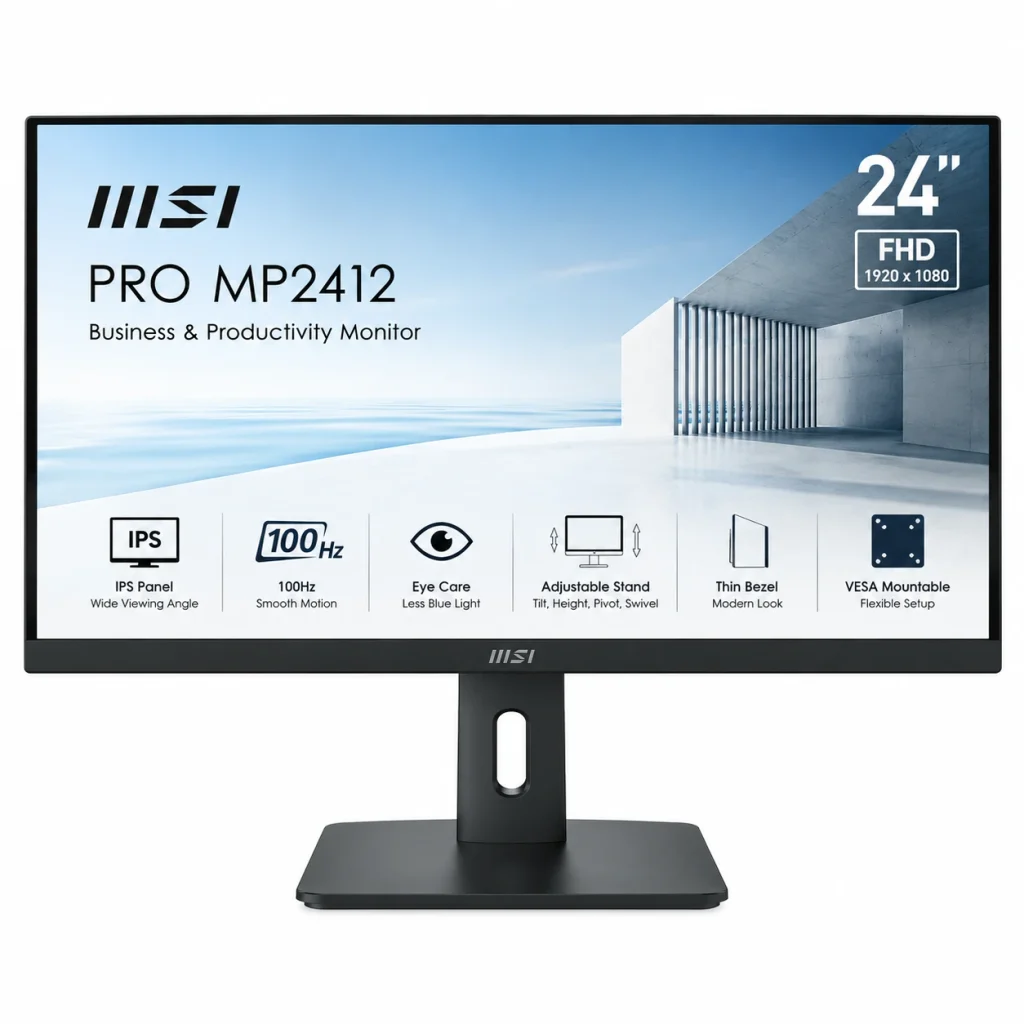
The MSI PRO MP2412 serves as a highly functional display solution for consumers requiring a monitor tailored to professional office tasks, software development, e-learning, and casual entertainment. Its combination of Full HD resolution, a 100Hz refresh rate and a VA panel makes it worth comparing with similarly priced alternatives.
Key specifications:
- Screen size: 23.8 inches
- Resolution: Full HD (1920 × 1080)
- Panel type: VA
- Refresh rate: 100Hz
- Brightness: 300 nits, typical
- Contrast ratio: 4000:1
- Response time: 1ms MPRT / 4ms GTG
- Connectivity: HDMI 1.4b and DisplayPort 1.2a
- Mounting: 75 × 75mm VESA support
Indicative price: Approximately ₹6,425–₹7,035 in observed listings
Why consider the MSI PRO MP2412?
The 23.8-inch screen offers sufficient space for documents, spreadsheets, browser tabs and code editors. The Full HD resolution delivers sharp text and images for everyday productivity, while the 100Hz refresh rate ensures a noticeably smoother experience during fast scrolling or casual gaming compared to standard 60Hz displays.
Its VA panel has a listed typical contrast ratio of 4000:1, which can help dark scenes appear deeper than on many lower-contrast panels. MSI also includes features such as Anti-Flicker, Less Blue Light and an anti-glare surface.
The HDMI and DisplayPort connections provide flexibility when connecting a desktop computer or compatible laptop. VESA mount compatibility is a huge plus if you want to free up desk space with a custom monitor arm.
Limitations to consider
The advertised 1ms MPRT figure is not the same as a 1ms grey-to-grey response time. Motion clarity depends on the panel’s actual performance and settings. Also, the standard stand offers tilt adjustment rather than a full range of ergonomic adjustments.
Best for: Students, programmers, office users and casual gamers who want a 100Hz Full HD display.
2. LG 24U411A-BN – Best for a 120Hz IPS Display
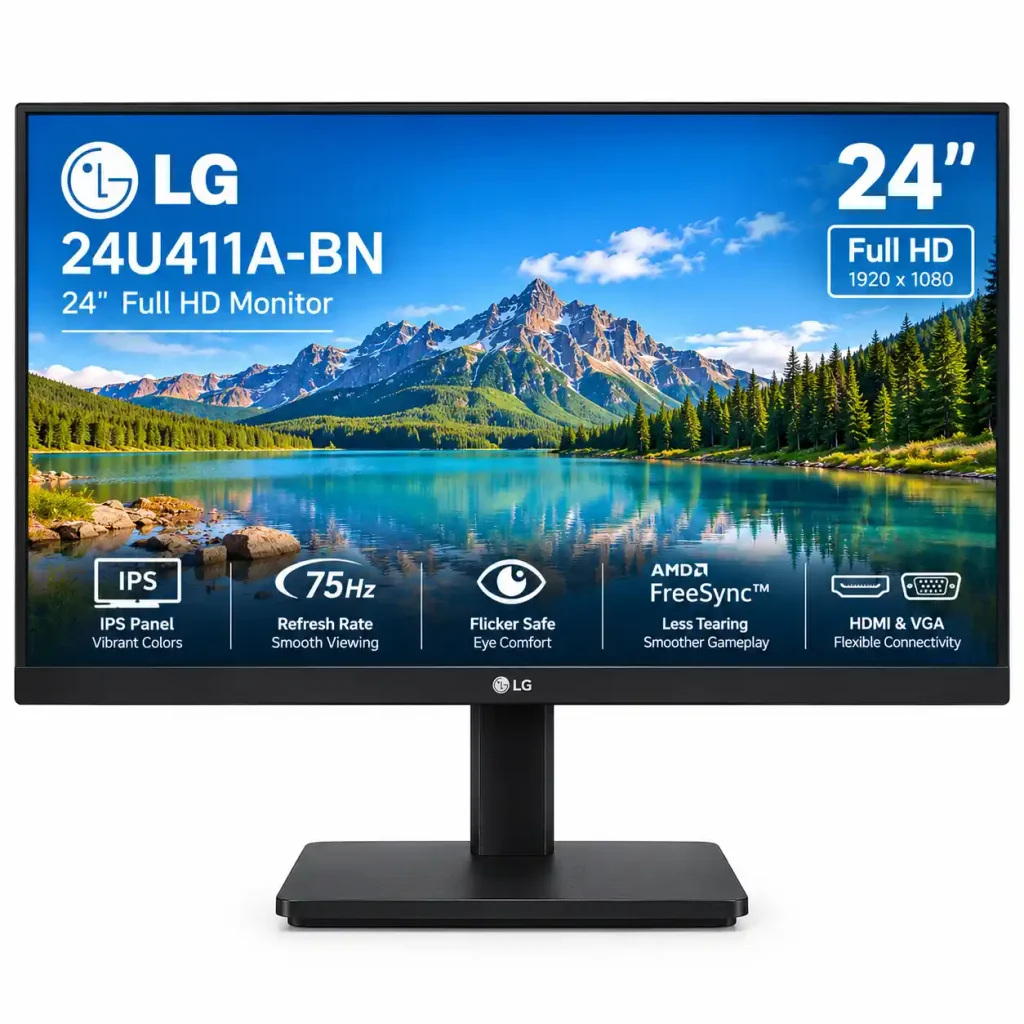
The LG 24U411A-B is a strong alternative if you prioritise an IPS panel, higher refresh rate and broad viewing angles. Retail listings may identify the model using the suffix 24U411A-BN, so check the exact product code and specification sheet before ordering.
Key specifications:
- Screen size: 23.8 inches
- Resolution: Full HD (1920 × 1080)
- Panel type: IPS
- Refresh rate: Up to 120Hz
- Typical brightness: 250 nits
- Typical contrast ratio: 1500:1
- Colour coverage: 99% sRGB, typical
- Response time: 5ms GTG at the Faster setting
- Connectivity: HDMI and headphone output
Extra features often include HDR10 support for better colors, Dynamic Action Sync to reduce input lag, Black Stabilizer for improved visibility in dark scenes, and Reader Mode to reduce eye strain.
Indicative price: Approximately ₹6,747–₹7,499 in observed listings
Why consider the LG 24U411A-BN?
The IPS panel provides wide viewing angles, which can be helpful if you move between different seating positions or occasionally share the screen with someone else.
Its 120Hz refresh rate is useful for smoother scrolling, animations and compatible games. The Full HD resolution also works well for browsing, video calls, document editing and programming.
LG lists 99% sRGB colour coverage as a typical specification. This can be useful for general image editing and other colour-related tasks, although professional colour work requires proper calibration and independent performance testing.
The display also packs extra features to boost gaming performance and keep you comfortable during daily use. Dynamic Action Sync is intended to reduce input delay, while Black Stabilizer can improve visibility in darker game scenes. Reader Mode tweaks the screen settings to make reading long documents much easier on your eyes.
Limitations to consider
The monitor’s typical brightness is 250 nits, which is suitable for many indoor environments but may be less comfortable in a room with strong reflections or direct sunlight.
Its standard stand supports tilt adjustment, not full height adjustment. Also, HDR10 support does not guarantee the high brightness and contrast associated with premium HDR displays.
Best for: Users who prefer IPS viewing angles, a 120Hz refresh rate and a versatile screen for productivity and casual gaming.
Budget note: Check the final checkout price. If the exact variant costs more than ₹7,500, it falls outside this article’s budget.
3. Acer KA242Y E0 – A Monitor to Compare for Everyday Use
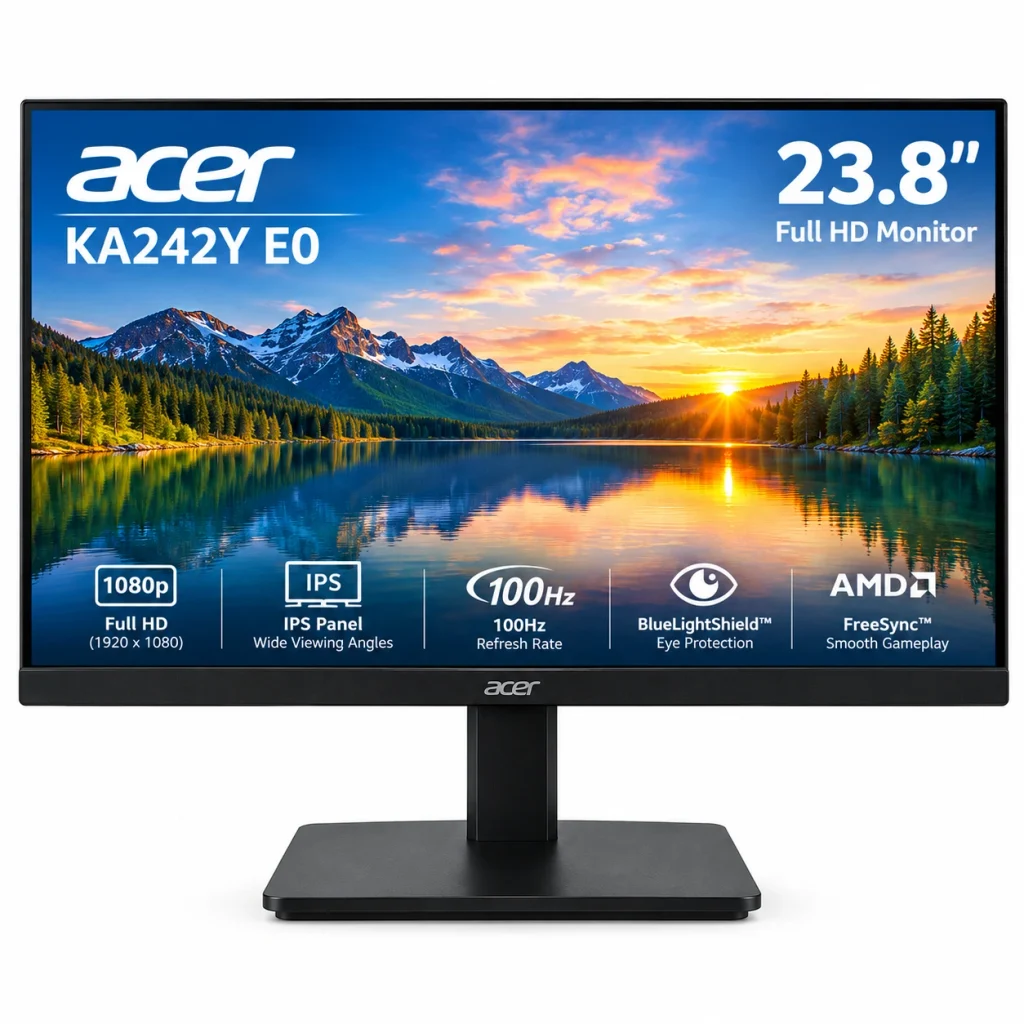
The Acer KA242Y E0 is another budget-friendly Full HD monitor worth shortlisting for productivity.
Key specifications:
- Screen size: 23.8 inches
- Resolution: Full HD (1920 × 1080)
- Design: Flat monitor
- Connectivity: HDMI
Indicative price: ₹6,099
A screen of this size can be useful for programming, writing, spreadsheets and managing multiple application windows. However, the practical workspace also depends on your operating system’s scaling settings and the applications you use.
If you work for long periods, look for flicker-free operation, a suitable brightness range and a stand that allows comfortable positioning. These features are more useful than choosing a monitor solely because it has thin bezels.
Who should consider it? Students, office workers and beginner programmers who need a dedicated desktop display.
Best for: Buyers looking for a straightforward monitor for productivity who can verify a suitable price and specification combination.
4. Samsung LS24D300GAWXXL – An Option for Everyday Computing
The Samsung LS24D300GAWXXL is a 24-inch Full HD monitor that is worth considering if you prefer an established display brand.
Key specifications:
- Screen size: 24 inches
- Resolution: Full HD (1920 × 1080)
- Contrast ratio: 1000:1
- Connectivity: HDMI
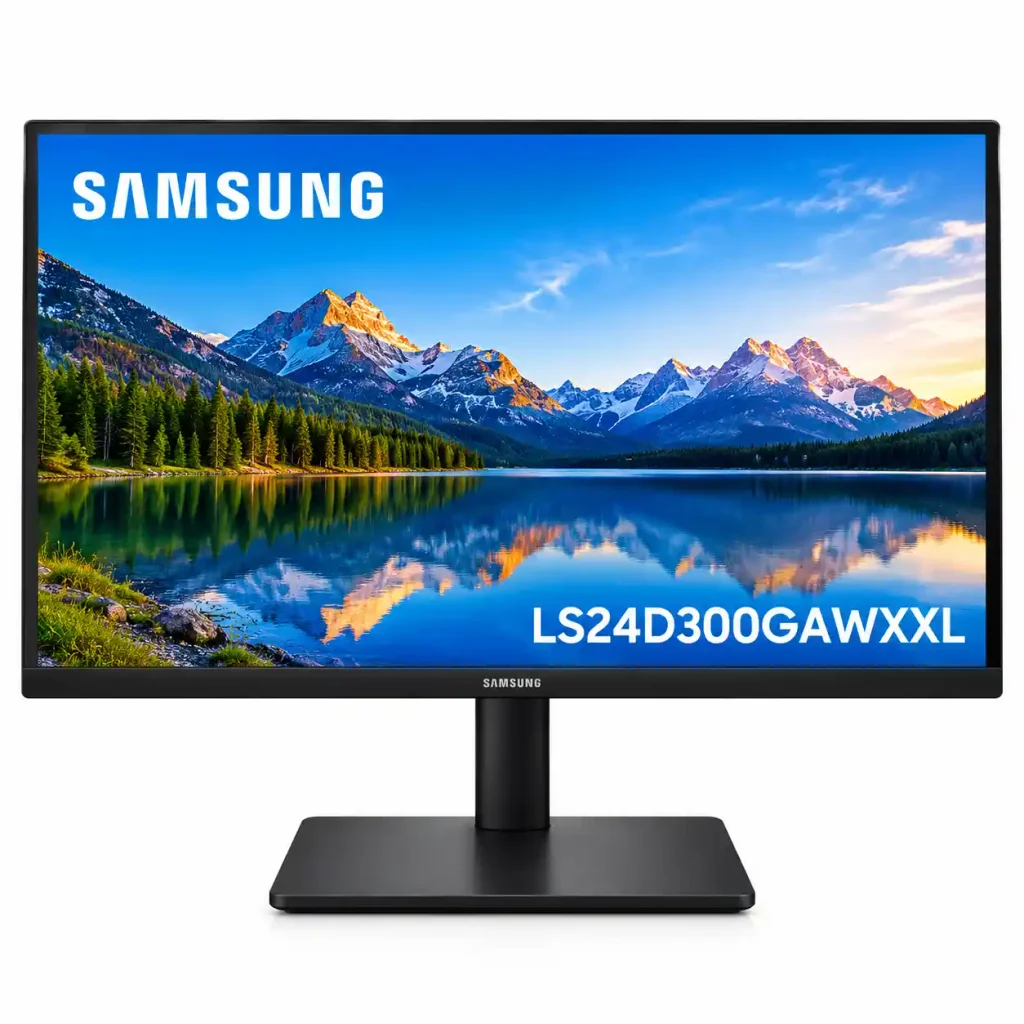
Indicative price: ₹6,990
The model is listed with features including Eye Saver Mode and Game Mode. Its suitability for your setup depends on the exact specification and the price available from the seller.
For movies, browsing and everyday desktop work, Full HD resolution is a practical choice at this screen size. If you also play games, verify the supported refresh rate and adaptive-sync support rather than relying on a gaming mode label alone.
Who should consider it? Users who want a straightforward monitor for mixed everyday use.
Best for: Buyers who want a general-purpose monitor and can find the exact model within their budget.
5. Zebronics Zeb-EA124 – A Budget 100Hz Alternative
The Zebronics Zeb-EA124 is listed as a 24-inch Full HD monitor with a 100Hz refresh rate.
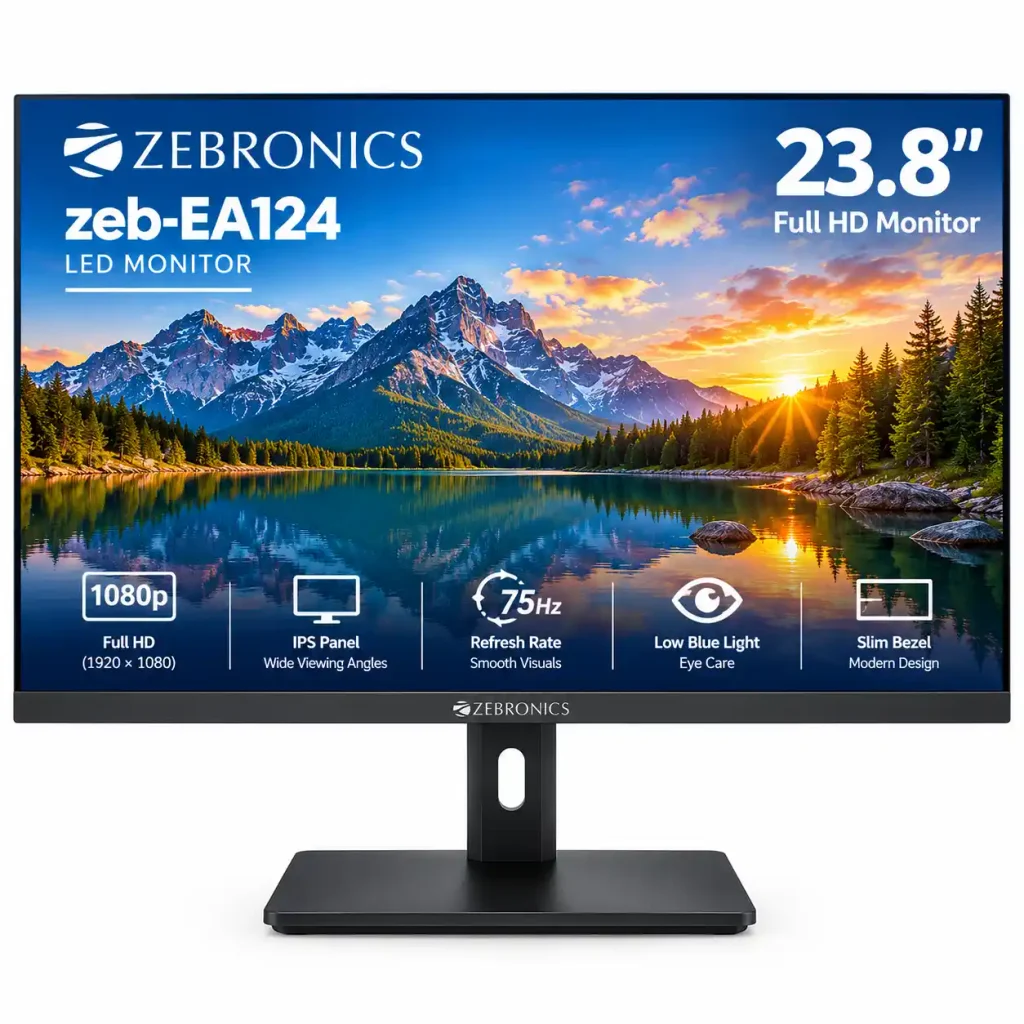
Key specifications:
- Screen size: 24 inches
- Resolution: Full HD (1920 × 1080)
- Refresh rate: 100Hz
- Connectivity: HDMI
Indicative price: ₹5,985
A 100Hz refresh rate can make scrolling, cursor movement and supported games look smoother than a 60Hz display. The actual experience also depends on the graphics hardware, connection and software settings.
Before choosing this model, check its warranty terms, service availability in your area, seller reputation and return conditions. Also confirm whether the supplied cable and your computer support the advertised refresh rate at Full HD resolution.
Who should consider it? Buyers who want a higher-refresh-rate display for everyday use and casual gaming without exceeding their budget.
Best for: Buyers who want a budget-oriented 100Hz monitor for everyday computing and casual gaming.
Which Monitor Should You Choose?
Your main use should guide the decision.
| Requirement | Suggested Option | Reason |
|---|---|---|
| Office work and programming | MSI PRO MP2412 | Full HD, 100Hz and HDMI/DisplayPort |
| IPS panel and smoother motion | LG 24U411A-BN | IPS panel and up to 120Hz |
| Everyday computing on a tight budget | Acer KA242Y E0 | Worth comparing after checking its exact specifications |
| General home use | Samsung LS24D300GAWXXL | Consider if its current price and features suit your needs |
| Budget 100Hz display | Zebronics Zeb-EA124 | A higher refresh rate at a budget-oriented price |
For many buyers, the MSI PRO MP2412 is an attractive productivity-focused choice because of its connectivity and high contrast ratio. The LG is worth considering if you prefer an IPS panel and 120Hz refresh rate. The final decision should depend on current prices, the exact model and your requirements.
How to Choose the Best Monitor Under ₹7,500
1. Choose the right screen size
A 21.5-inch display can fit a compact desk, while a 23.8-inch or 24-inch model offers more space for multiple windows. Consider your desk depth and normal viewing distance before choosing a larger screen.
2. Check the resolution
Full HD (1920 × 1080) is a sensible resolution for a budget monitor around 24 inches. It works well for web browsing, spreadsheets, programming, online classes and video streaming.
3. Understand IPS versus VA
IPS panels generally provide consistent colours and wide viewing angles. VA panels often deliver higher native contrast, which can make dark scenes appear deeper.
Neither panel type is automatically best. Choose according to your priorities and compare independent reviews when available.
4. Understand refresh rate and response time
Refresh rate, measured in hertz, describes how frequently the screen refreshes its image. A 120Hz display can refresh more frequently than a 60Hz display.
Response time measures how quickly pixels change. Manufacturer figures may use different measurement methods, so compare the type of response-time figure rather than relying on the smallest advertised number.
5. Check ports and computer compatibility
HDMI is common on modern computers and monitors. DisplayPort is also useful for desktop PCs and some higher-refresh-rate setups.
Before ordering, check that your computer supports the monitor’s native resolution and intended refresh rate through the connection you plan to use. An adapter may be required for certain laptops.
6. Review warranty and seller conditions
Confirm the exact model number, manufacturer warranty, return policy and dead-pixel conditions, if specified. Check whether the required cable is included and keep the invoice and packaging until you have tested the monitor.
Are Monitors Under ₹7,500 Suitable for Gaming?
Yes. Some budget monitors provide 100Hz or 120Hz refresh rates, making them suitable for casual gaming and many everyday applications.
However, a higher refresh rate does not automatically guarantee better gaming performance. Motion handling, response behaviour, adaptive-sync support and the computer’s graphics hardware all affect the experience.
For competitive games, check the actual refresh rate supported by your PC, the monitor’s response characteristics and whether it supports the synchronisation features you need.
A curved screen is not essential at this budget. A good flat Full HD monitor can be a better purchase if it provides the right panel, refresh rate and connectivity.
Common Monitor Problems and Solutions
- Monitor shows no image: Check the power connection, selected input, video cable and computer output.
- Refresh rate is stuck at 60Hz: Check Windows display settings, the cable, graphics driver and the monitor’s supported resolution and refresh-rate combinations.
- Text appears blurry: Set the screen to its native resolution and review display scaling and text-clarity settings.
- The screen is uncomfortable to view: Adjust brightness to suit the room, reduce reflections and position the display at a comfortable height and distance.
Frequently Asked Questions
Which is the best monitor under ₹7,500 in India?
The MSI PRO MP2412 and LG 24U411A-BN are strong options to compare. MSI offers a 100Hz VA panel, while LG offers a 120Hz IPS panel. Check current prices and the exact model variant before choosing.
Is the MSI PRO MP2412 good for gaming?
It can be suitable for casual gaming, with a Full HD resolution and 100Hz refresh rate. Its VA panel also offers a high typical contrast ratio. Competitive gamers should compare its actual motion performance and response behaviour with their requirements.
Is the LG 24U411A-BN good for programming?
Its 23.8-inch Full HD IPS screen is suitable for coding, document editing and general productivity. The wide viewing angles can be useful when working at different positions. A dual-monitor setup may be more convenient for developers who regularly compare code and documentation.
Is a 120Hz monitor better than a 100Hz monitor?
A 120Hz monitor can refresh its image more frequently than a 100Hz model. The practical difference depends on the application and the frame rate your computer can deliver. Panel quality, response behaviour and price should also influence the decision.
Can I use a 100Hz or 120Hz monitor with an ordinary laptop?
Yes, if the laptop’s graphics hardware and video output support the desired resolution and refresh rate. Check the laptop specifications and the monitor’s supported input modes before purchasing.
Does a Full HD monitor support video editing?
Yes, Full HD monitors can support basic video editing. For professional work, consider colour accuracy, calibration, screen space and the resolution of the content you edit. A monitor’s advertised colour coverage alone does not guarantee accurate colours.
Final Verdict
If you want one of the top monitors under ₹7,500 in India, compare the MSI PRO MP2412 and LG 24U411A-BN first.
Choose MSI if you value a high-contrast VA panel, 100Hz refresh rate and HDMI plus DisplayPort connectivity. Consider LG if you prefer IPS viewing angles and a 120Hz refresh rate.
The Acer KA242Y E0, Samsung LS24D300GAWXXL and Zebronics Zeb-EA124 remain alternatives worth evaluating once their exact specifications and prices are verified. Before purchasing, compare the final price, warranty and return conditions rather than relying on advertised features alone.
Check This Also:
Best Laptops in 2026: Top Picks for Students, Professionals, and CS Majors
1 thought on “Top 5 Budget Monitors Under ₹7,500 in India (2026): Smart Picks for Work & Gaming”