Best Android TVs in India:
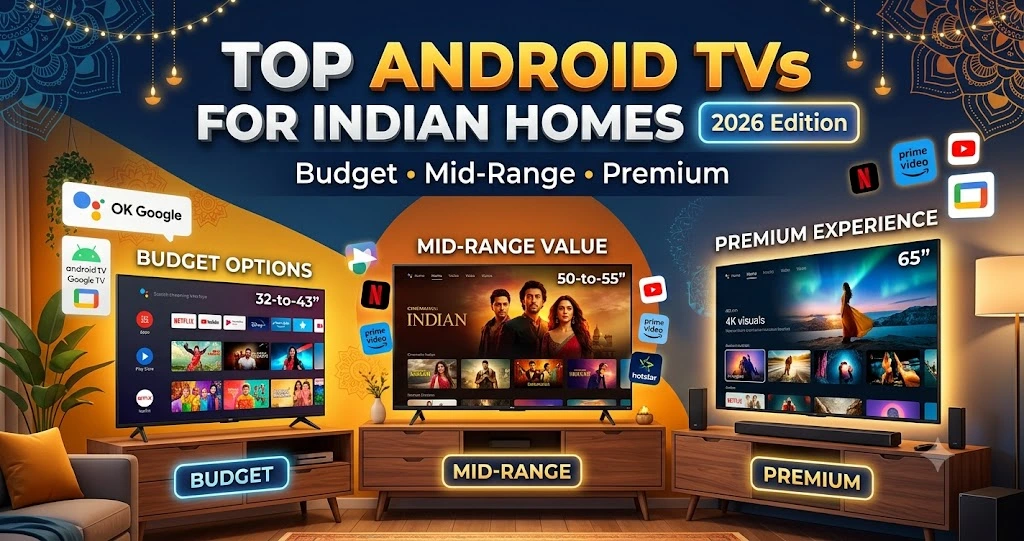
Choosing a smart TV is easier when you know what matters most. Some buyers want an affordable television for everyday viewing, while others prefer a premium screen for movies, sports, and gaming.
The best choice depends on your budget, room size, viewing habits, and the features you need. Brands such as Sony, Xiaomi, Hisense, TCL, and Acer offer options across different price ranges, although the specifications and software experience vary by model.
Here is a quick overview of the main categories to consider:
| TV Category | Approximate Price Range | Best Suited For |
|---|---|---|
| Budget Smart TVs | ₹12,000–₹20,000 | Everyday viewing and smaller rooms |
| Mid-Range 4K TVs | ₹25,000–₹45,000 | Movies, streaming, and family entertainment |
| Premium TVs | ₹1,00,000 and above | High-end picture quality, gaming, and home cinema |
These are indicative budget ranges, not verified live prices. Actual prices depend on screen size, model, retailer, and current offers. Some televisions in these categories may use different smart TV platforms.
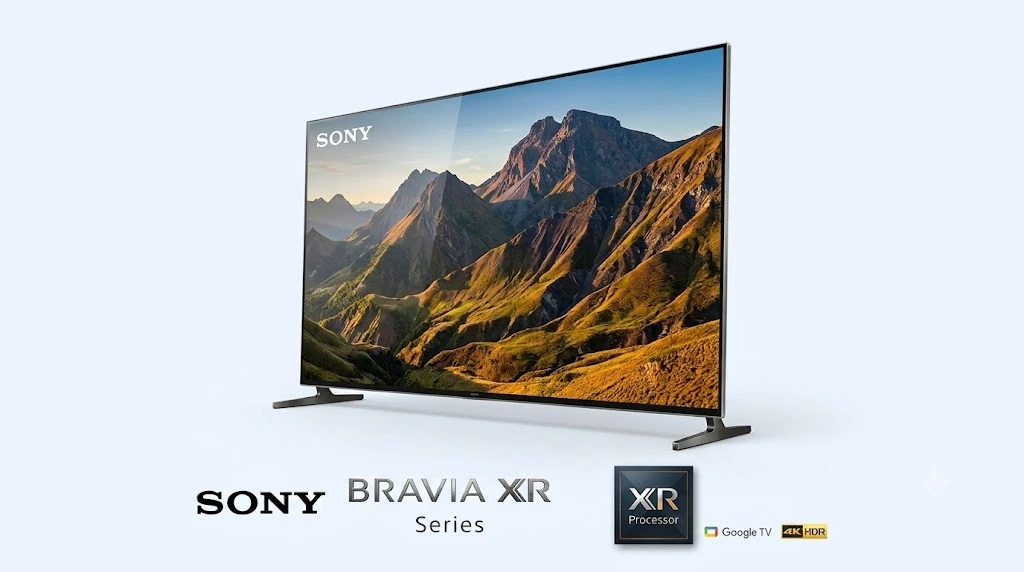
Sony’s premium BRAVIA XR televisions are worth considering if picture quality is your main priority and you have a larger budget. Depending on the model, the range includes OLED and Mini LED televisions designed for detailed images, strong contrast, and an immersive viewing experience.
Key features
- Advanced picture processing: Compatible models use Sony’s Cognitive Processor XR technology to process images and improve the viewing experience.
- OLED or Mini LED display options: OLED models can deliver deep blacks, while Mini LED models can provide high brightness and detailed contrast.
- HDR support: Selected models support formats such as Dolby Vision for compatible content.
- Gaming features: Certain models offer HDMI 2.1 features, including support for higher refresh rates.
- Enhanced audio: Some televisions include Acoustic Surface Audio technology, while others use different speaker systems.
Who should consider it?
A premium Sony television may suit movie enthusiasts, gamers, and people who want a high-quality home entertainment setup.
Keep in mind that not all Sony TVs include these specific features. Be sure to confirm the exact model details before placing your order. You should also compare screen size, refresh rate, HDR support, connectivity, and warranty terms.
Best for: Buyers looking for premium picture quality and advanced features.
2. Xiaomi Smart TV X Series and Hisense TVs: Mid-Range Options
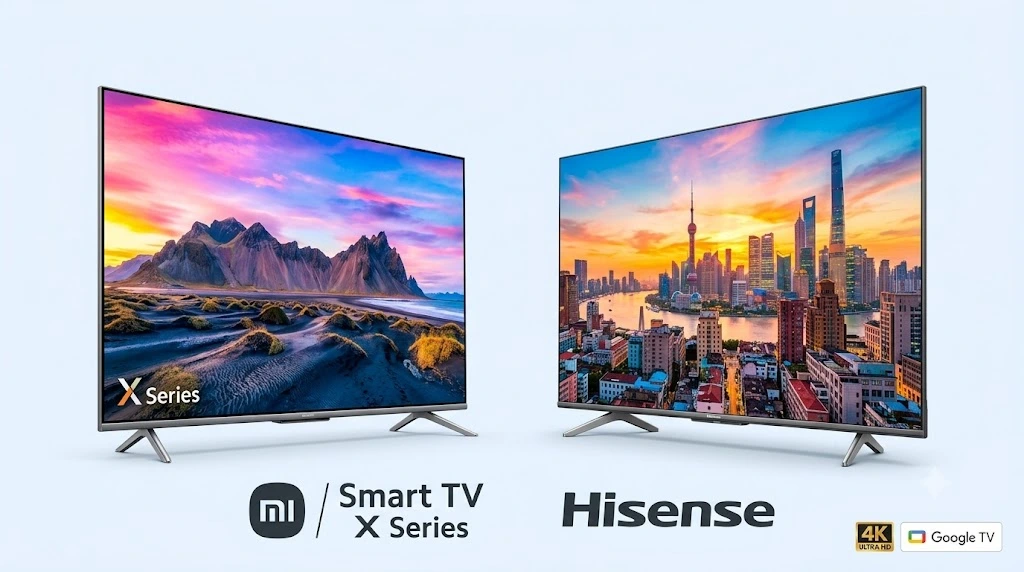
If you want a large screen and useful smart features without spending premium-TV prices, Xiaomi and Hisense models may be worth comparing.
Selected models offer 4K resolution, HDR support, and access to popular streaming applications. However, not every television from these brands includes the same display technology, software interface, or audio features.
Key features to compare
- 4K resolution: Provides more detail than Full HD on compatible content, particularly on larger screens.
- HDR support: Look for supported formats such as HDR10 or Dolby Vision, depending on the model.
- Smart TV platform: Check whether the television uses Google TV, Android TV, or another operating system.
- Streaming applications: Confirm that your preferred apps are supported and available in the TV’s app store.
- Connectivity: Check the number of HDMI and USB ports, Wi-Fi support, and Bluetooth availability.
- Some Xiaomi models also include PatchWall, a content-discovery interface that can help users find shows and movies. Actual feature support varies by product model and current software build.
Who should consider these TVs?
Mid-range models may be a good fit for families who regularly watch streaming services, movies, sports, and television channels.
Before buying, compare the exact model’s brightness, contrast, motion handling, sound quality, and software support. A television advertised as 4K HDR does not automatically deliver the same picture quality as every other 4K HDR TV.
Best for: Buyers looking for a balance between price, screen size, and smart features.
3. Acer Smart TV Series and TCL TVs: Budget-Friendly Choices
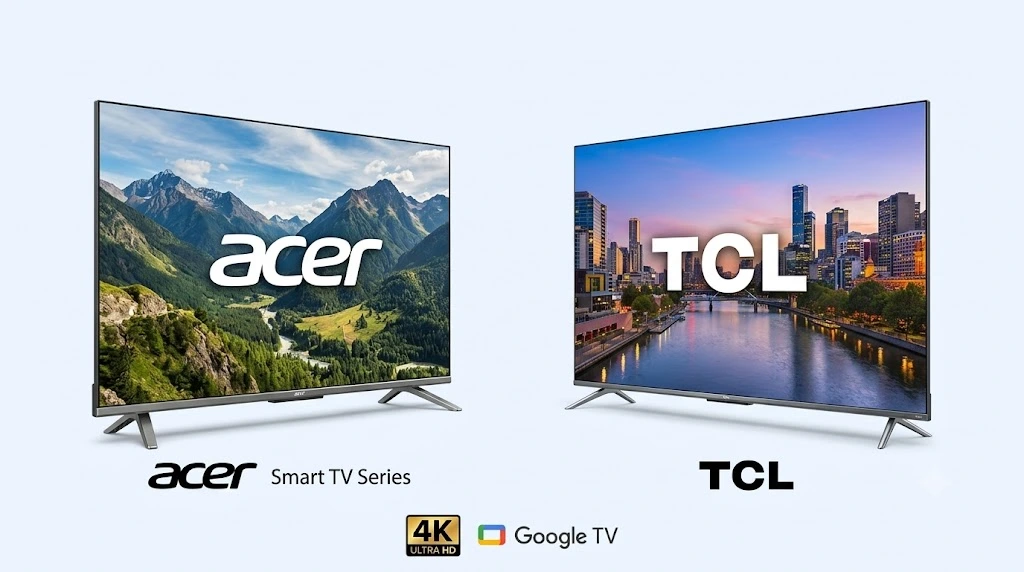
Acer and TCL offer televisions across various price segments, including options for buyers who want basic smart features at a lower cost.
Depending on the model and screen size, you may find HD, Full HD, or 4K televisions. Do not assume that every model in a brand’s budget range offers the same resolution or operating system.
Features to check
- Screen resolution: HD and Full HD may be sufficient for smaller screens and everyday viewing. Consider 4K for a compatible larger screen if your budget allows.
- Smart TV software: Check the operating system, available apps, and expected software support.
- Voice control: Google Assistant and other voice features are available only on compatible models and may require setup.
- Casting support: Built-in Chromecast or other casting features can make it easier to display content from a compatible phone.
- Ports and wireless connectivity: Check HDMI, USB, Wi-Fi, and Bluetooth specifications before buying.
Who should consider these TVs?
Budget televisions are suitable for people who mainly watch television channels, YouTube, and streaming services or want a secondary TV for a bedroom.
At this price level, pay particular attention to the processor’s responsiveness, available storage, remote-control quality, speaker performance, and warranty coverage. A low purchase price is useful only if the TV meets your everyday needs.
Best for: Budget-conscious buyers and people purchasing a television for a smaller room.
Android TV vs Google TV vs Smart TV: What Is the Difference?
The terms Android TV, Google TV, and smart TV can be confusing, especially when comparing products online.
A smart TV is a broad category of televisions that connect to the internet and run software for streaming applications and other online features. Android TV and Google TV are smart TV platforms associated with Google.
| Feature | Android TV | Google TV | Smart TV |
|---|---|---|---|
| What it means | A smart TV platform and interface | A content-focused experience built on Android TV OS | A general term for internet-connected TVs |
| Content discovery | Depends on the interface and apps | Emphasizes personalized recommendations | Depends on the TV’s operating system |
| Applications | Supported apps through its app store | Supported apps through its app store | Availability varies by platform |
| User experience | Varies by device and software version | Organizes content across supported services | Varies by manufacturer |
| Best for | Users who prefer the Android TV interface | Users who want a content-focused home screen | Users choosing among different smart TV platforms |
Is Google TV better than Android TV?
Not necessarily. Google TV is built on Android TV OS and offers a more content-focused interface. The overall experience also depends on the television’s hardware, software version, app support, and manufacturer updates.
A well-performing television with one interface may be a better purchase than a slower television with another. Compare the complete product rather than choosing by the operating system’s name alone.
How to Choose the Right Android or Google TV
Before purchasing, compare the following factors.
1. Choose the Right Screen Size
The best screen size depends on your viewing distance, room layout, resolution, and personal preference. A larger screen can create a more immersive experience, but it should fit comfortably within your space.
| Screen Size | General Use |
|---|---|
| 32 inches | Small rooms, bedrooms, and limited spaces |
| 40–43 inches | Bedrooms and compact living rooms |
| 50–55 inches | Many medium-sized living rooms |
| 65 inches or larger | Larger rooms and a more cinematic experience |
These are general starting points rather than strict rules. Check the manufacturer’s viewing-distance recommendations and consider the size of the TV stand or wall space before ordering.
2. Check Resolution and Picture Quality
Resolution affects image detail, but it is only one part of picture quality.
- HD: Suitable for basic viewing on smaller screens.
- Full HD: Offers more detail than HD and may suit some compact televisions.
- 4K Ultra HD: Provides a higher resolution and can be useful for larger screens and compatible content.
Also compare brightness, contrast, color reproduction, viewing angles, and motion handling. A TV with a higher resolution does not automatically have better picture quality.
3. Understand Brightness and Screen Reflections
Brightness matters when watching TV in a well-lit room, while screen reflections depend on the display surface, coatings, room lighting, and where the television is placed.
If you watch TV during the day, compare independent reviews of the exact model’s brightness and reflection handling. There is no single brightness figure that guarantees a reflection-free picture.
For darker rooms, contrast and black levels may matter more than maximum brightness alone.
4. Check RAM, Storage, and Performance
A television’s internal hardware affects how quickly it opens applications and moves between menus. However, RAM and storage alone cannot guarantee smooth performance.
Before purchasing, consider:
- How quickly the TV starts and opens applications.
- Whether menus respond smoothly.
- How much storage is available for apps.
- Whether the operating system receives updates.
- Reviews that discuss lag, crashes, or app-loading delays.
Some models advertise RAM and storage specifications, but manufacturers do not always provide directly comparable information. Check the official specifications when available instead of relying on one universal minimum.
5. Compare Sound Quality
Built-in TV speakers are convenient, but their performance varies considerably.
Check the speaker output, dialogue clarity, and audio features. Dolby Audio or Dolby Atmos branding does not guarantee the same sound quality across different models.
If you enjoy action movies or want fuller sound, consider whether the TV supports the soundbar or audio system you plan to use. Check HDMI ARC or eARC support and other required connections.
6. Look at Connectivity and Gaming Features
The right ports depend on how you plan to use your television.
Look for:
- Enough HDMI ports for your set-top box, console, or streaming device.
- USB ports for compatible accessories.
- Reliable Wi-Fi and, where available, an Ethernet connection.
- Bluetooth support if you plan to use wireless headphones.
- HDMI 2.1 features, variable refresh rate, or higher refresh rates if gaming is important to you.
Not every HDMI 2.1 port or TV supports every gaming feature. Verify the specifications for the exact model and port.
7. Check Software Support and Warranty
A smart TV should do more than run streaming applications on the day you buy it. Software updates can affect security, compatibility, and usability.
Before paying, check the warranty, service availability in your area, return policy, and any published software-support commitments. Also confirm that the streaming apps you need are supported.
Common Smart TV Problems and How to Fix Them
Even a good smart TV can occasionally run slowly or lose its internet connection. Try these basic steps before arranging a repair.
- Restart the TV using its restart option, if available.
- Close unused apps or remove applications you no longer need.
- Check for software updates.
- Clear an app’s cache if the TV’s settings provide that option.
- Check the available storage space.
Menu names vary by brand and operating system. Avoid deleting app data unless you understand that doing so may remove saved settings or require you to sign in again.
Streaming apps keep buffering
- Test whether the internet connection works properly on another device.
- Restart the router and TV.
- Move the router closer to the TV or reduce obstacles between them.
- Try a wired Ethernet connection if the TV supports it.
- Check whether the streaming service itself is experiencing a problem.
A strong Wi-Fi connection can work well for streaming, so Ethernet is an option rather than a requirement for every household.
The TV does not turn on
Check the power connection and make sure the wall outlet works. If the television still does not start, follow the manufacturer’s troubleshooting instructions or contact an authorized service center.
For electrical protection, follow the TV manufacturer’s recommendations and local electrical guidance. A surge protector helps protect against certain voltage surges, while a voltage stabilizer addresses different power-quality issues. Neither is automatically required for every TV or every home.
Frequently Asked Questions
1. Which brand is best for Android TVs in India?
There is no single best brand for every buyer. Sony offers premium options, while Xiaomi, Hisense, TCL, and Acer have products across different price ranges. Compare individual models based on picture quality, software, performance, warranty, and price.
2. Is Google TV better than Android TV?
Google TV uses Android TV OS and provides a content-focused interface. The better choice depends on the specific television’s performance, features, software support, and your preferences.
3. Is a 4K TV worth buying in India?
A 4K TV can be worthwhile if you want a larger screen and regularly watch compatible high-resolution content. However, screen quality, viewing distance, and budget should also influence your decision.
4. How much RAM does an Android TV need?
There is no universal RAM figure that guarantees smooth performance. Processor quality, software optimization, available storage, and the number of running apps also matter. Read reviews of the exact model before buying.
5. Can I use Google Assistant on every Android TV?
No. Voice-control features depend on the television’s hardware, software, remote control, region, and setup. Check the official specifications to confirm which features are supported.
6. Do smart TVs need a voltage stabilizer?
Not every smart TV needs a separate stabilizer. Follow the manufacturer’s power requirements and consider the electrical conditions in your home. A surge protector and a voltage stabilizer serve different purposes.
7. Can I connect my phone to an Android or Google TV?
Many compatible televisions support casting, screen mirroring, or other ways to share content from a phone. The available method depends on the TV, phone, and software. Check compatibility before buying if this feature is important to you.
Final Verdict: Which Smart TV Should You Buy?
The best Android or Google TV depends on your budget and how you plan to use it.
- For a premium home entertainment setup: Compare compatible Sony BRAVIA models and other premium TVs based on their exact display, sound, and gaming features.
- For a mid-range purchase: Compare Xiaomi and Hisense models for screen size, 4K picture quality, software experience, and connectivity.
- For a tighter budget: Consider suitable Acer and TCL models, checking the resolution, app support, performance, and warranty before choosing.
- Do not buy a television based on brand name, screen resolution, or RAM alone. Compare the exact model number, current price, picture quality, software experience, connectivity, and after-sales support.
A little research before buying can help you choose a television that fits your room, budget, and everyday viewing needs.
2 thoughts on “Best Android TVs in India (2026): Top Picks for Every Budget”